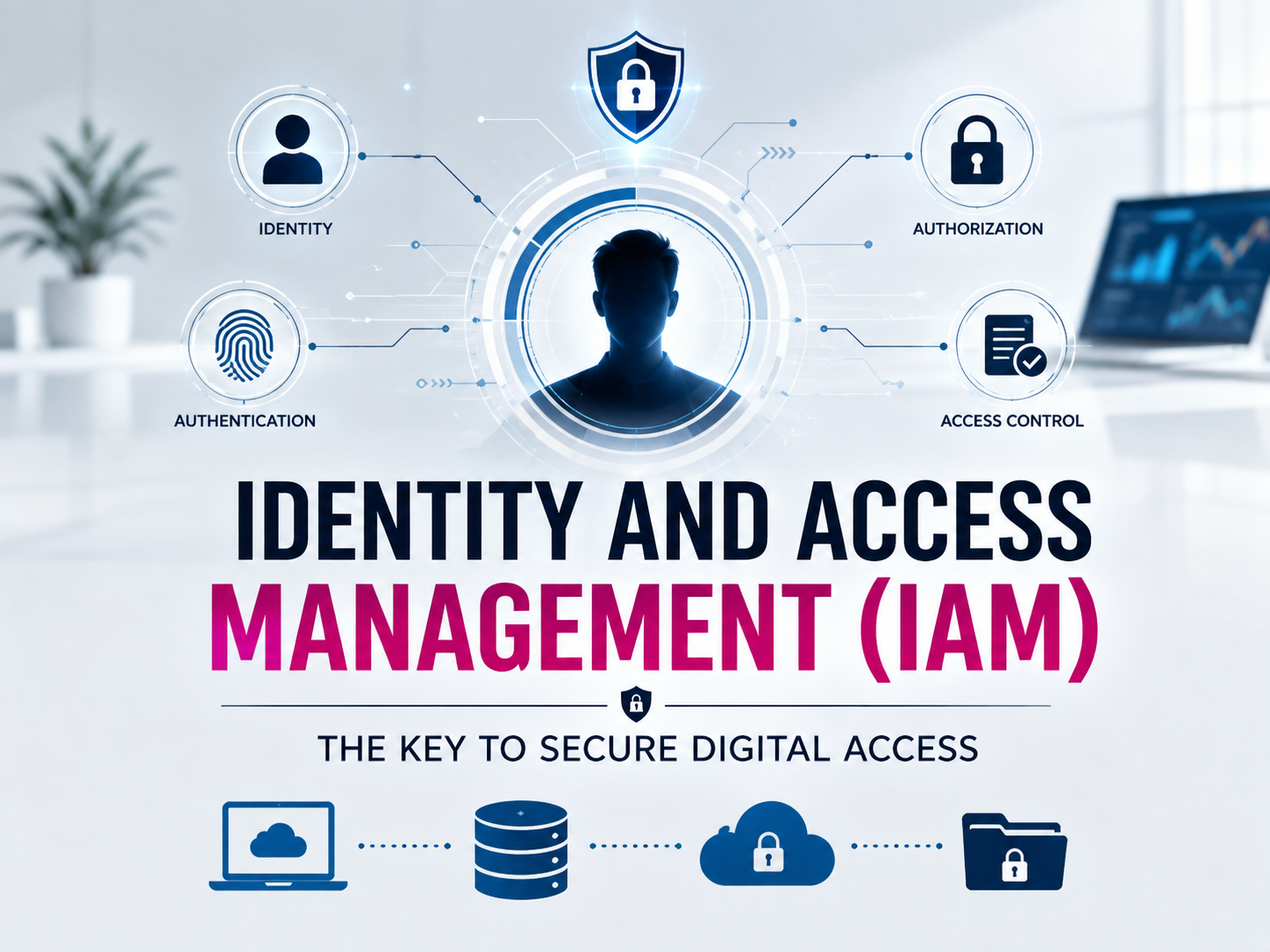
One major question affects every app, website and corporate system: who should be permitted entry and what should they be permitted to do? Identity and Access Management (IAM) can help with it. IAM assists businesses in controlling access to apps, systems and data as well as managing digital identities. Basically, it ensures that the appropriate individuals have access at the appropriate time.
Table of Contents
What is Identity and Access Management
A collection of tools, guidelines and procedures known as Identity and Access Management (IAM) are used to manage digital identities and regulate resource access. It assists in deciding if an individual should be permitted to access a company database, sign into an application or use a cloud service.
Consider a business that hires hundreds of people. While a software engineer might require access to development tools, an HR representative might require access to use employee records. Every individual is granted access according to their role and duties because of IAM.
Logging in is just one aspect of IAM. It also discusses what happens once a user logs in, such as what resources they may access, what they can do and when their access should be terminated.
How does IAM Works?
IAM works through a general process:
User Identification → Authentication → Authorization → Access
- User Identification
When someone identifies themselves, the procedure starts. A username, email address, employee ID or another digital identification could be used for this.
After that, the system confirms if the individual is who they say they are. Common methods for authentication includes:
- Passwords
- Fingerprints
- Facial recognition
- Security keys
- One-time passwords (OTPs)
- Multi-factor authentication (MFA)
- Authorization
IAM decides what the user is permitted to access after has been confirmed. For example, an employee might have access to the company’s internal dashboard but not its financial records.
- Access Control
Lastly, IAM enforces the organization’s access restrictions and permits or prohibits particular behaviors. Every time a user attempts to access a protected resource, this procedure may occur quite quickly.
IAM Features and Technologies
Single Sign-On (SSO)
Users can access several apps with a single set of login credentials due to single sign-on. They just need to authenticate once in order to access authorized services, saving them the trouble of remembering several passwords for each application.
Multi-Factor Authentication (MFA)
Beyond a password, MFA offers more verification.
For example, a user may input a password and then use fingerprint or one-time code to verify their identity. The extra verification can make unwanted access considerably more difficult, even in the event that a password is hacked.
Role-Based Access Control (RBAC)
Users are granted permissions by RBAC according to their jobs. For example,
- Developers → Development tools
- HR employees → Employee management systems
- Finance teams → Financial applications
- Managers → Additional reporting tools
This helps the management of permissions, particularly in larger organizations.
Privileged Access Management (PAM)
System administrators and other accounts with high-level permissions are the focus of PAM. It assists organizations in monitoring and controlling the use of privileged accounts because they have the ability to significantly alter systems.
Identity Lifecycle Management
Individuals access changes over time. An employee may require specific authorization while joining an organization. These permissions might need to be adjusted if they switch departments. They should no longer have access after they go. A large portion of this joiner-mover-leaver process can be automated using IAM.
Benefits of IAM
- Increased Safety: IAM lowers risk of unauthorized access by restricting access to authorized users and removing unnecessary permits.
- Decreased Data Breach Risk: Limiting who has access to private data might lessen the possible consequences of hacked accounts and stolen login credentials.
- Increased Commitment: Organizations frequently have to prove that only those with authorization can access sensitive systems and data. IAM can support the maintenance of access logs and the implementation of suitable regulations.
- More Simple User Management: Instead of managing each program independently, IT personnel may manage accounts and permissions from centralized platforms.
- Increased Efficiency: Users don’t have to constantly log in to different apps because of features like SSO.
Where is IAM Used
- Businesses: IAM is used by businesses to control employee access to databases, cloud platforms, internal apps and company resources.
- Cloud Computing: Thousands of users, apps and services can be found in cloud environments. IAM assists in deciding which identities are permitted to access particular cloud resources.
- Healthcare: Strict security measures over sensitive patient data are necessary for healthcare organizations. IAM can assist in making sure that only individuals with the proper authorization can access relevant systems.
- Finance and Banking: IAM is used by financial institutions to protect sensitive resources such as employee accounts, financial systems and consumer data.
- Education: IAM can be used by colleges and universities to control access for staff members, instructors, administrators and students.
Challenges of IAM
- Taking Care of Too Many Permissions: Users might gain permissions they no longer require as organizations expand. For this reason, regular access evaluations are crucial.
- Experience of the User: Overly complex security measures can irritate users. Businesses must strike a balance between robust security and a seamless login process.
- Integration with Current Systems: Numerous apps and legacy systems may be used by large organizations. It can be difficult to connect them all to a centralized IAM system.
- Improper Access Configuration: If policies or permissions are set up improperly, even a strong IAM system might lead to security issues.
- Handling Accounts with Privilege: Since their misuse can have a far greater impact, administrator and other high-privilege accounts need to be closely watched.
Conclusion
Identity and Access Management is basically the gatekeeper of the digital world. It helps organizations protect sensitive resources from unauthorized users by confirming user’s identities and determining what they can access. IAM is becoming a crucial component of modern cybersecurity due to technologies like MFA, SSO, RBAC and PAM. Securing identity management is becoming increasingly crucial as businesses continue to transition to cloud and digital-first environments.
FAQs
Q.1 What is Identity and Access Management?
IAM is a technology and procedure system that controls who has access to digital resources and what they can do.
Q.2 What are IAM’s main components?
Identification, authentication, authorization and access control are the key components.
Q.3 What distinguishes authorization from authentication?
Authorization establishes what you are permitted to access once your identity has been confirmed, whereas authentication confirms who you are.
Q.4 Are IAM and cybersecurity the same thing?
No, IAM is a component of cybersecurity. While IAM focuses on identities, authentication, permissions and access, cybersecurity includes a far wider range of topics.
Read More
- AI in Cybersecurity: Applications, Benefits and Challenges
- What is a VPN? How It Works, Benefits & Why You Need One
- Zero Trust Security: What It Is, How It Works and Why It Matters
- What Is an API? How APIs Work and Why They Matter
- What Is Cyber Security? Types, Threats and Best Practices